← All cases
Online store · 1C and 1C-Bitrix

A Bitrix online store: off the 1C cloud, sales back, and the sales team trained to run the admin

The client is an online store selling beauty-industry supplies. Accounting ran in 1C on a rented cloud server, the site ran on 1C-Bitrix, and stock and prices flowed into it from 1C. There were two jobs, and we did them as one project: preserve the 1C data and leave the cloud, then bring back to life a site that had not sold most of its catalog for almost a month.

The starting point

  • 1C ran on a rented cloud server that had to be dropped by the end of September — without losing stock, purchase prices or customer contacts.
  • Since 7 September, 90% of products on the site showed as “Out of stock”: no price, and they could not be added to the cart. Orders from the site had nearly stopped.
  • The Bitrix license had expired back in 2019: no updates, no vendor support.
  • Without 1C the site became the only place stock is kept, and the sales managers had never worked in the Bitrix admin — everything used to come from 1C.
  • The client’s main condition: break nothing. Every step only after approval.

What we did

  • Preserved 1C in full: exported the database in two formats — .dt and a full SQL backup — checked the checksums and handed the copies to the client.
  • Pulled what is needed day to day out of 1C into Excel: stock with purchase prices and customer contacts in one table.
  • Shut the cloud server down — no more rent for hosting 1C.
  • Before touching the site, took a full copy of its database. Diagnostics ran as read-only scripts.
  • Found the cause: a failed 1C exchange had created a “junk” section in the catalog with 319 duplicate variants, and the site began reading variants from it instead of the real one.
  • Fixed the catalog: gave the storefront its real variant source back and cut the “junk” section off from it. Cleared the cache and rebuilt the filter index — stock, prices and filters refreshed across the whole catalog. Products and stock were not touched, and the rollback was prepared in advance.
  • Checked the storefront as a shopper would: crawled all 172 catalog pages, the mobile version and product cards — what is shown matched the database one to one.
  • Reconciled the site’s stock against 1C item by item — a 100% match.
  • Trained the sales managers to work in the Bitrix admin: recorded six video lessons with every step captioned — built on the store’s real tasks.
—

Before and after

First the storefront before and after the fix, then frames from the video lessons we recorded for the sales managers. The store is anonymised in the screenshots.

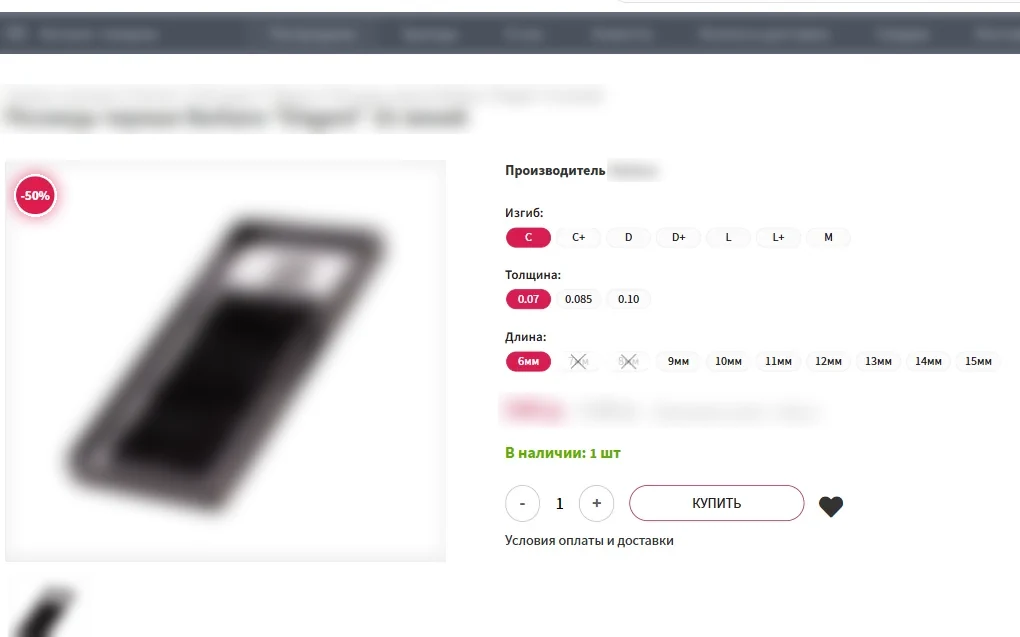
01screenshot
Before: for almost a month, 90% of products showed as “Out of stock”, some at a “−100%” price. They could not be bought.
02screenshot
After: variants can be chosen again, each with its own price and stock — the storefront reads them from the real catalog.
03screenshot
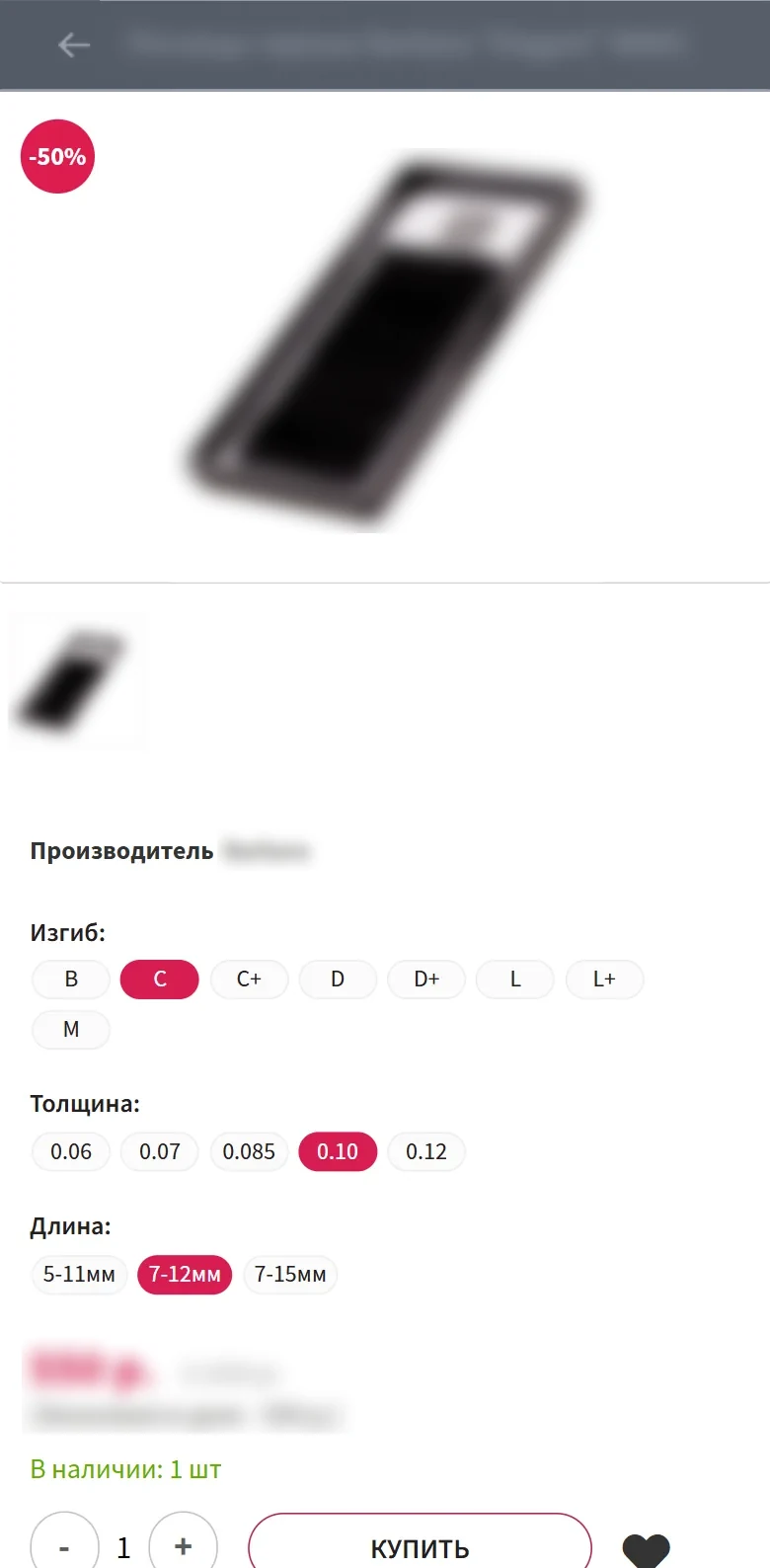
Mobile: the product variant is picked with buttons, and the stock count follows it.
04screenshot
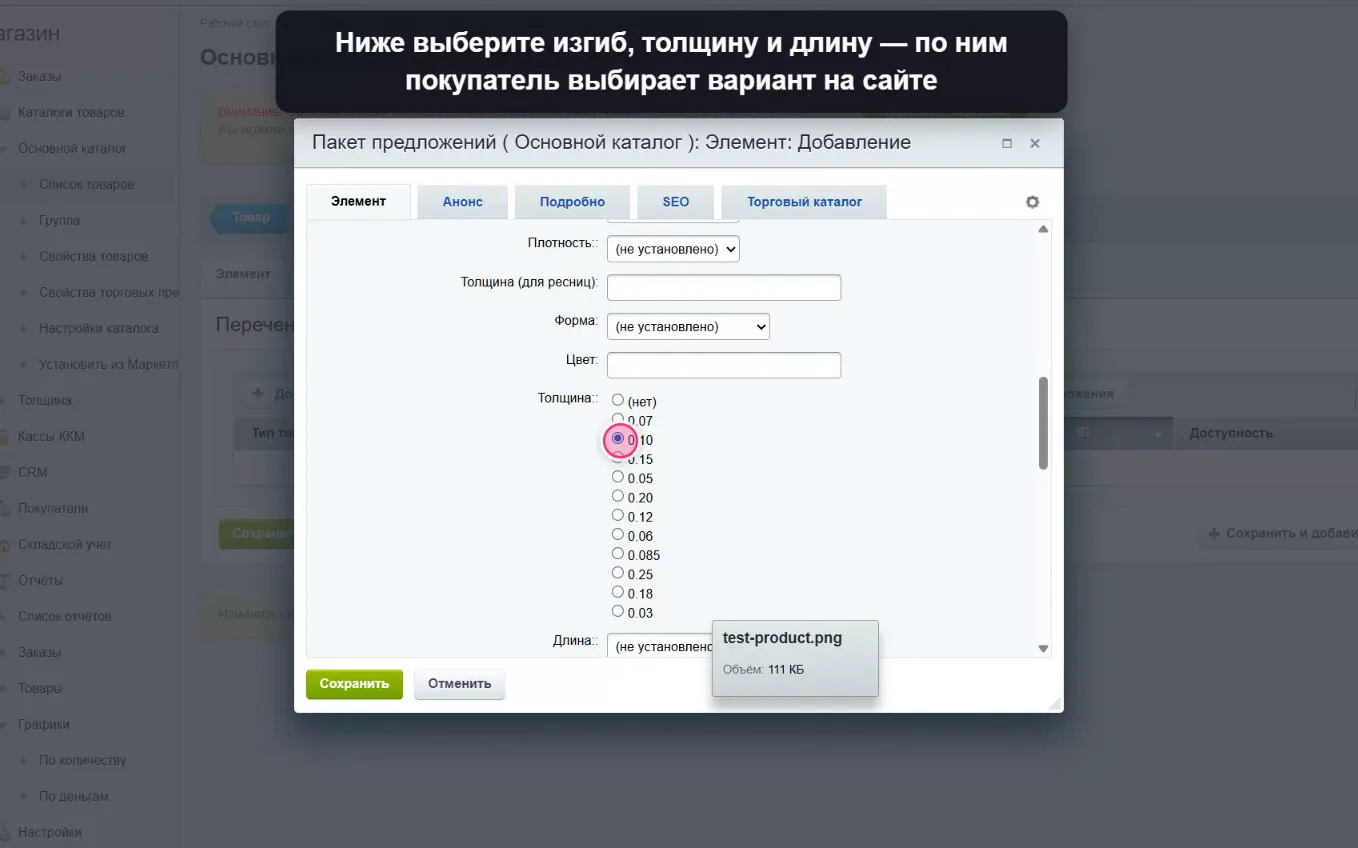
Video lesson “Add a new product”: variants, price and quantity. Every step is captioned.
05screenshot
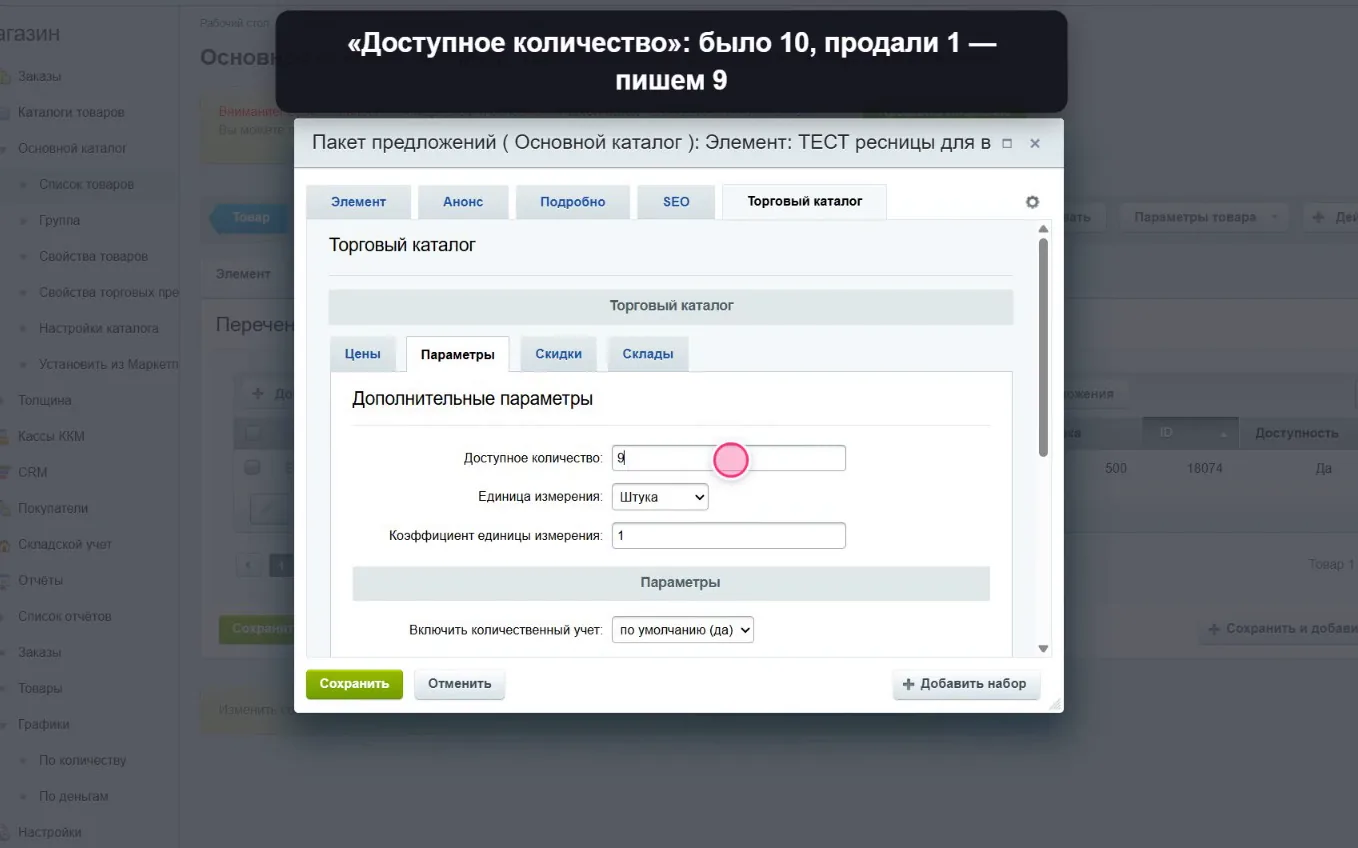
Video lesson “A sale outside the site”: the item sold offline — lower the variant’s stock so the site does not sell what is gone.
06screenshot
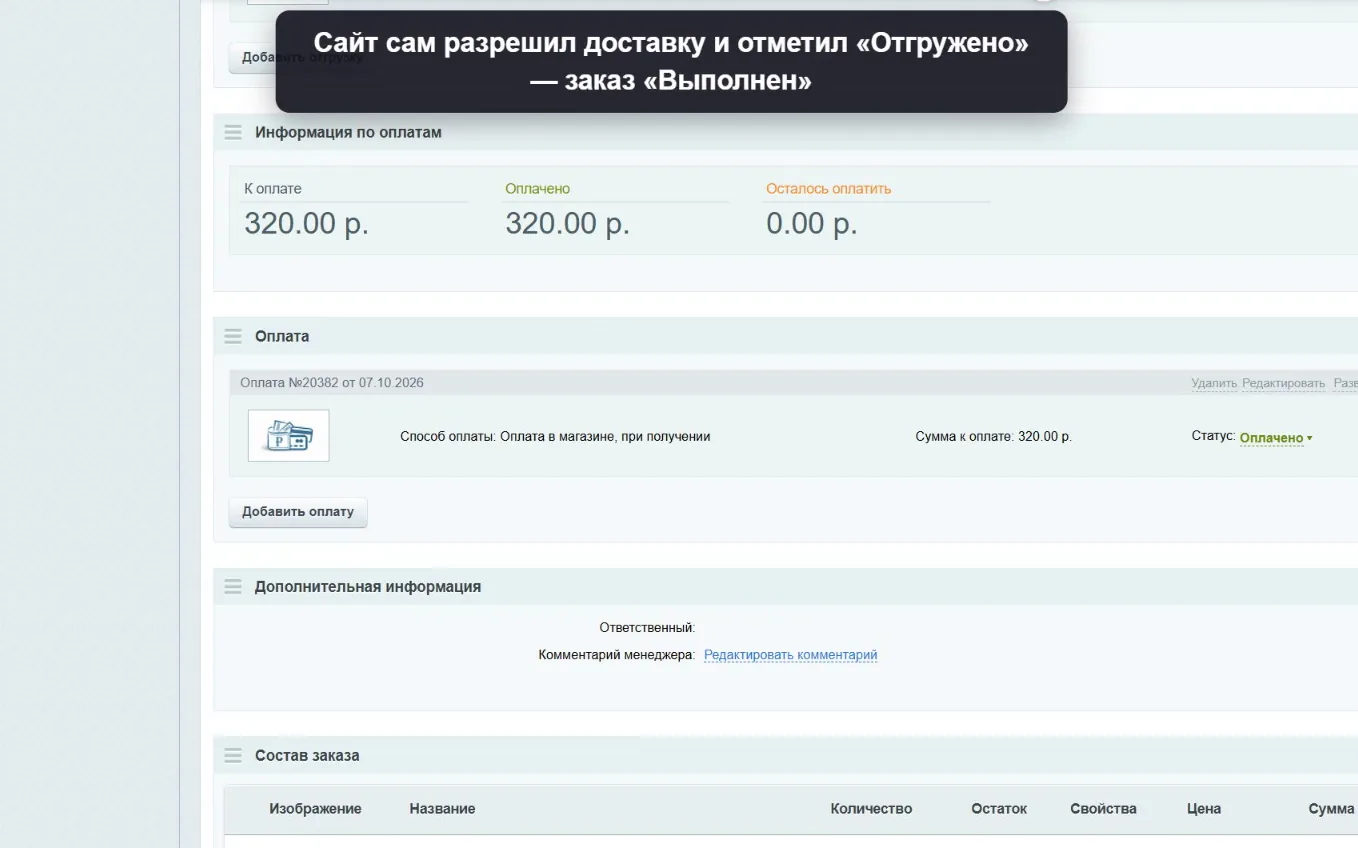
Video lesson “A new order”: the customer paid — one “Paid” mark, and the site closes the order and writes off the stock by itself.
—

The result

6 433

variants back on sale

438 products with variants can again be chosen, priced and put in the cart — on desktop and on a phone. Orders came in the same day.

0

data lost

The 1C database was preserved in full and verified by checksums; a full copy of the site’s database was taken before the fix.

100%

of stock matched 1C

Every catalog item checked: the site’s stock matched 1C to the unit.

6

video lessons for sales managers

Orders, sales outside the site, deliveries, prices, hiding and adding products — every step shown and captioned.

—

How the work went

  1. 01

    Discovery and plan

    Prepared questions for the client, worked out what lives in 1C and what of it is needed day to day, and wrote a dated plan.

  2. 02

    Preserving 1C, leaving the cloud

    Exported the database to .dt and a full SQL backup, checked the checksums, pulled stock, purchase prices and contacts into Excel, then shut down the rented server — no more paying for the 1C cloud.

  3. 03

    Site diagnostics

    A full copy of the site’s database, then read-only work: found where the catalog takes its variants from and why the source was wrong.

  4. 04

    The fix

    An agreed change to the catalog settings so the storefront reads variants from the real section again, then a cache reset and a filter index rebuild across the catalog.

  5. 05

    Verification

    A crawl of the whole storefront and the mobile version, display checked against the database and the site’s stock against 1C.

  6. 06

    Training the sales team

    Six Bitrix video lessons for the sales managers: orders, sales outside the site, deliveries, prices, hiding and adding products. Recorded on test products and orders, deleted afterwards.

— a similar problem on your side

Your Bitrix site stopped selling?

Tell us what broke or what you want to move away from. We work without risking your data: a copy and diagnostics first, then the fix — and every step is agreed with you.

Leaving the 1C cloud and fixing a 1C-Bitrix catalog without losing data — Corexy